
Connecting with a partner lets you compare your name ratings and see which names you both like. The process takes a few minutes.
Sending the invite
Go to your Account page and scroll down to the Partner section. Enter your partner's email address and click Send Invite.
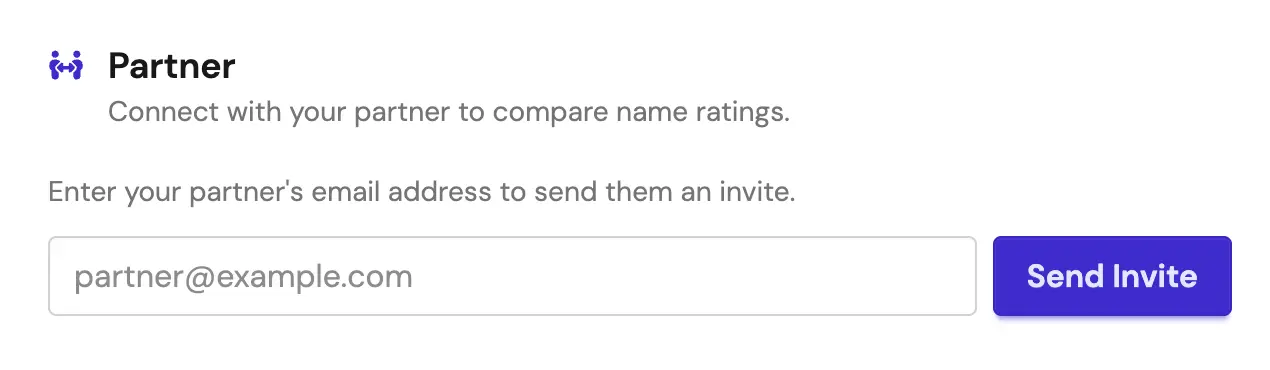 The Partner section of the Account page with an empty email field and a Send Invite button
After sending, the section will update to show the invite as Pending.
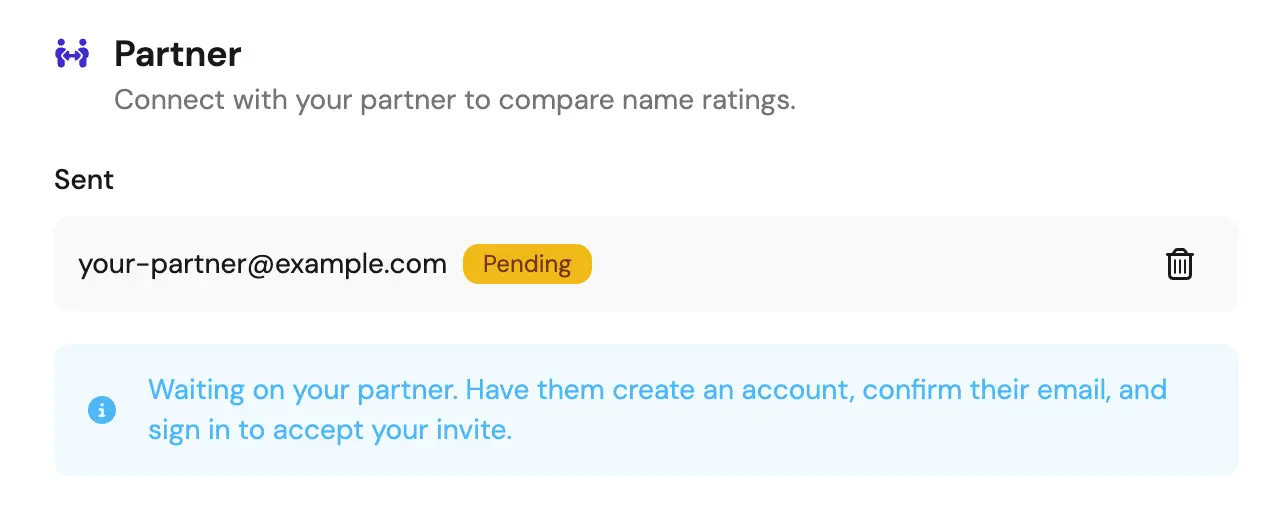 The Partner section showing a sent invite with a Pending badge
Your partner will receive an email with a link. When they click it, they will be taken to the sign-up page to create an account and confirm their email. Once that is done, they can sign in, go to the Partner section of their own Account page, and accept the invite.
If your partner already has an account
The process is the same. Send the invite from your Account page with their email address. On their end, they just need to sign in, go to the Partner section of their Account page, and click Accept. No new account needed.
After connecting
Once the invite is accepted, the Partner section will show Sharing active.
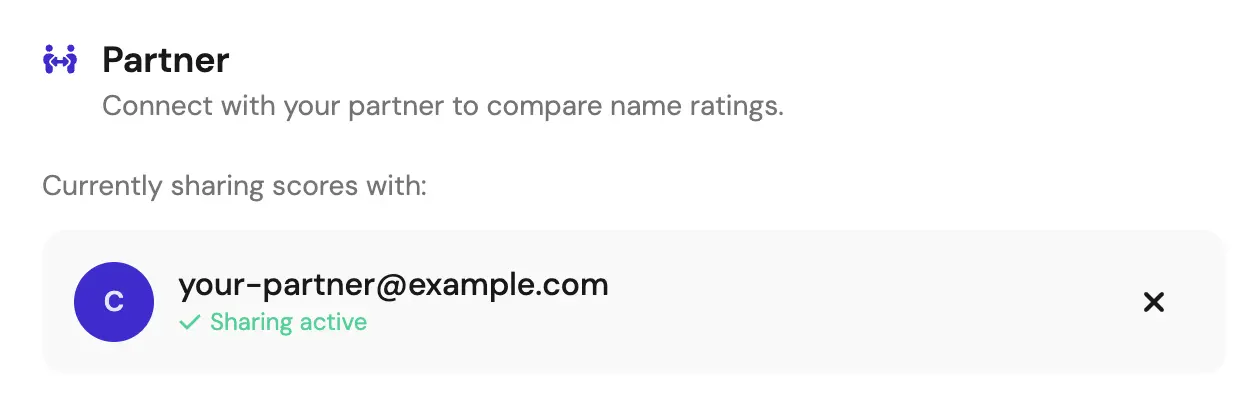 The Partner section showing a connected partner with a Sharing active status
You can each continue rating names independently and then check the Shared Scores page to see where your lists overlap. You can also view your partner's full favorites list on the Partner Favorites page.